


I still remember the first time I typed a prompt into an AI image generator. I was skeptical, excited, and convinced I would get something that looked like a melted crayon drawing. What I got was a passable image of a cat in a spacesuit. It was not perfect, but it was enough to hook me. Two years and thousands of images later, I have figured out what actually works. Here is everything you need to know to go from staring at a blank prompt box to creating images that genuinely impress you.
Let me tell you about the image that changed everything for me. I had been playing with AI image generators for about a month, getting mediocre results and blaming the technology. Then I stumbled across a guide that explained how prompts actually work and something clicked. I rewrote my prompt from “a beautiful sunset over mountains” to “golden hour sunset over jagged mountain peaks, warm orange and pink sky, dramatic shadows, cinematic composition, ultra realistic, 8K.” The difference was night and day.
That is when I realized the problem was not the AI. It was me. I was giving vague instructions and expecting a miracle. The AI is not a mind reader. It is an incredibly capable tool that needs clear direction. Think of it like giving instructions to a very talented artist who speaks a different language. You need to be specific about what you want, how you want it, and what you do not want.
The shift in 2026 is remarkable. AI image generators have evolved from producing glitchy, distorted images to generating photorealistic visuals that can fool the eye. Google’s Nano Banana models are scarily good at creating ultrarealistic images as well as images featuring heavy swaths of text. OpenAI’s GPT Image 2 delivers high-fidelity photorealism with natural lighting, accurate materials, and rich color rendering. Midjourney continues to produce painterly, cinematic images with strong composition and lighting.
But here is the honest truth. Even with the best models, getting great results requires technique. The final output depends on your prompt quality, your choice of model, and your willingness to iterate. This guide is designed for absolute beginners. No prior experience needed. No design skills required. Just curiosity and a willingness to experiment.
How AI Image Generation Actually Works
Before you start generating images, it helps to understand what is happening under the hood. You do not need a computer science degree, but a rough mental model explains why some things work and others fail.
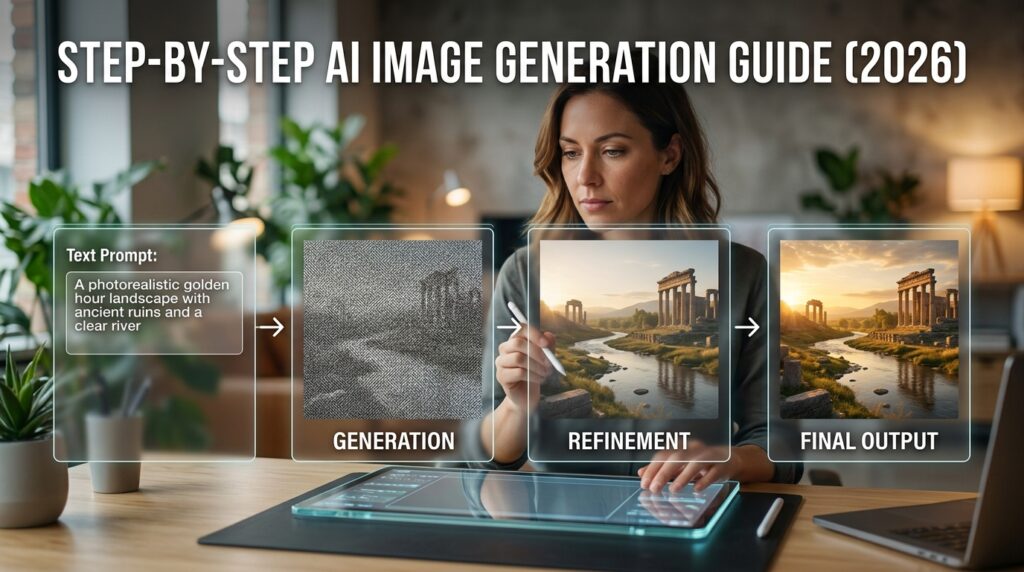
AI image generators are trained on massive datasets of images and text. When you type a description, the model converts your text into a numerical representation called an embedding that captures meaning rather than exact wording. Most modern tools use diffusion models, which build an image step by step from a description, starting with random noise and progressively shaping it into a detailed picture.
Here is the important part: the model is matching overall meaning, not parsing your prompt like a checklist. Vague or contradictory phrases get “averaged” in ways that can look odd. Words near the front of the prompt tend to carry more weight, which is why subject-first ordering matters. And the model has no idea what you meant, only what you wrote.
Understanding this changed everything for me. I stopped treating the AI like a search engine and started treating it like a creative partner that needs clear, specific instructions. The quality of the image you get is directly tied to the quality of your prompt.
Choosing Your First Tool
The first question every beginner asks is “which tool should I use?” The answer depends on what you want to create and how much control you need.
Midjourney is the best choice for artistic quality. It produces painterly, cinematic images with strong composition, lighting, and consistency across outputs. Midjourney offers precise prompt control where you can tell it which parts of your prompt matter more. The main downside is that it runs through Discord, which takes some getting used to. Pricing starts at ten dollars per month.
DALL-E is the best choice for prompt accuracy and ease of use. It handles natural language well and produces reliable results. If you are already a ChatGPT user, you can access DALL-E directly within the ChatGPT interface. The free tier gives you about two to three image generations per day. ChatGPT Plus at twenty dollars per month bumps your limit to fifty generations per day.
Stable Diffusion is the best choice for full control and customization. It supports custom models, fine-tuning, and local deployment. You can run it on your own hardware, which means no usage limits and complete privacy. The learning curve is steeper, but the control is unmatched.
Leonardo AI is the best choice for game assets and production pipelines. It focuses on consistent asset creation and refinement. The free tier is generous enough to test workflows and build portfolios.
Google’s Nano Banana models are CNET’s best overall pick for AI image generators. These Gemini AI models are exceptionally good at creating ultrarealistic images and images featuring text. You can create for free in the Gemini chatbot.
My recommendation for absolute beginners is simple. Start with DALL-E through ChatGPT. The interface is intuitive, you can refine prompts conversationally, and the learning curve is gentle. Once you are comfortable, experiment with Midjourney for artistic work and Leonardo for more control.
Writing Your First Prompt
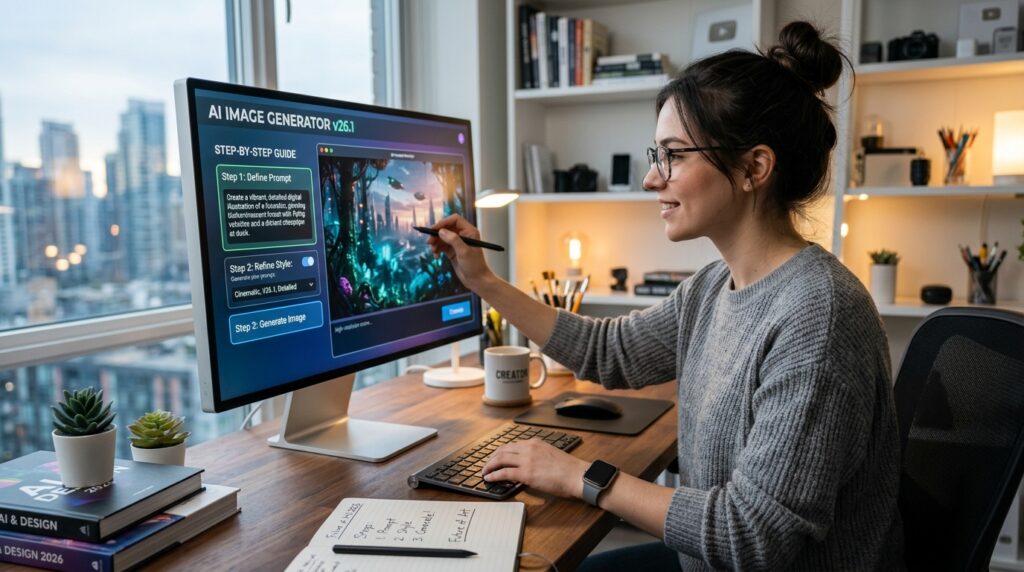
The biggest hurdle for most beginners is knowing what to type. Let me give you a structure that works every time.
A well-structured prompt has several components. Start with the subject, then key descriptors, then setting and composition, then style and medium, then lighting and mood. You do not need every category every time, but skipping straight from subject to parameters is how you end up with a technically correct image of absolutely the wrong thing.
Here is the difference between a weak prompt and a strong one. A weak prompt is “a cat in a spacesuit.” A strong prompt is “a fluffy orange tabby cat wearing a vintage silver spacesuit with a glass helmet, floating in zero gravity inside a spaceship cabin, soft blue and white lighting, cinematic composition, ultra realistic, 8K.”
The strong prompt gives the model specific information about the subject, the setting, the lighting, the composition, and the style. The weak prompt leaves everything to chance. Notice that the assembled version is not dramatically longer than a vague one-liner. It is just specific in the right places.
Avoid vague words. Words like “beautiful” or “good” are difficult for the model to concretize and may result in images that differ significantly from your expectations. Instead of “good lighting,” specify “golden hour sunlight filtering through leaves, warm amber tones.” Instead of “beautiful,” specify “stunning, award-winning photography.”
Be specific about lighting. Lighting does most of the heavy lifting in making images look realistic. A prompt like “45 degree angle lighting from the left” works better than “good lighting”. Mention the time of day, the quality of light, and any atmospheric effects.
Advanced Prompting Techniques
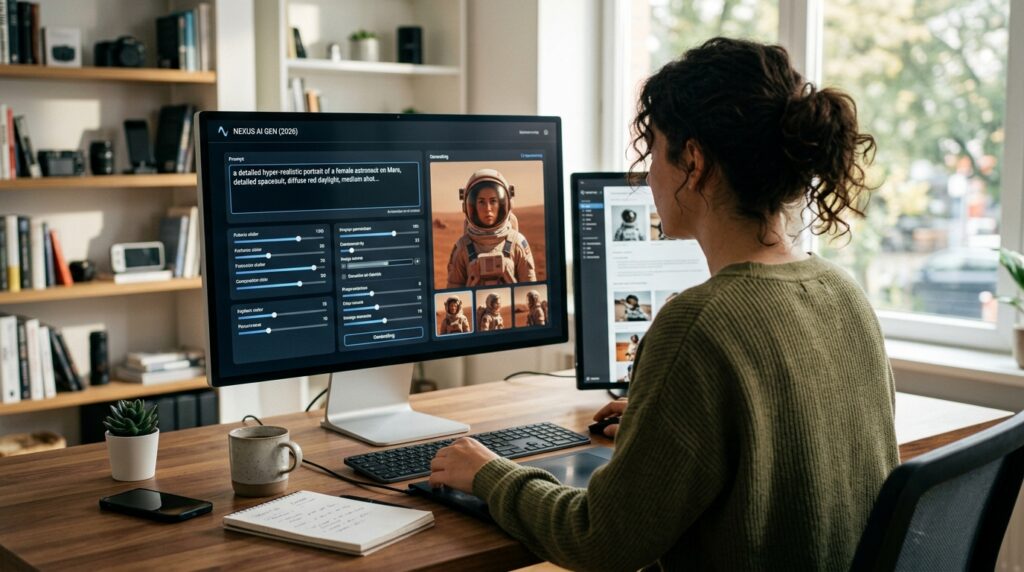
Once you have the basics down, these techniques will take your images to the next level.
Use negative prompts. Many tools let you specify what you do not want in the image. This is incredibly powerful for eliminating common problems like distorted hands, extra fingers, or blurry backgrounds. Negative prompts tell the model to avoid certain elements.
Use reference images. If you need a specific person, character, or style, provide a reference image. The model cannot generate recognizable likenesses from text alone. Upload a photo and let the model work from that visual anchor. This is especially important for maintaining character consistency across multiple images.
Iterate and refine. Do not expect perfection on the first attempt. Generate multiple versions of the same prompt. Review them critically. Notice what works and what does not. Refine your prompt based on what you see. The best prompt for a specific image is rarely the first one you try.
Ask the AI to expand your prompt. If you are stuck, try this trick. Type a basic description and then ask the AI to generate a full prompt based on that description. The AI will expand your vague idea into a detailed, structured prompt that you can then use to generate the image.
A Step-by-Step Workflow
Here is the exact workflow I use for every image I generate.
Step one: Define your goal. What are you trying to create? A social media graphic? A product mockup? Concept art? A character design? Your goal determines your tool choice and your prompt structure.
Step two: Choose your tool. Based on your goal, pick the right tool. Midjourney for artistic quality. DALL-E for ease of use. Stable Diffusion for control. Leonardo for game assets.
Step three: Write your prompt. Start with the subject. Add key descriptors. Specify the setting and composition. Define the style and medium. Describe the lighting and mood. Add any technical parameters like aspect ratio.
Step four: Generate and review. Generate your image. Look at it critically. What works? What does not? Does it match your vision? If not, refine your prompt and generate again.
Step five: Edit and refine. Most images benefit from light editing. Use inpainting to fix specific areas. Use upscaling to increase resolution. Use editing tools to remove artifacts or adjust colors. The best results come from combining generation with editing.
Step six: Export and use. Once you are happy with the result, export it in the format you need. Pay attention to licensing terms if you are using images commercially.
Troubleshooting Common Problems
I have made every mistake possible. Here is how to fix the most common problems.
Problem one: The image looks nothing like my prompt. Your prompt is probably too vague. Add more specific details. Be explicit about the subject, setting, lighting, and style. Use the structure I shared earlier.
Problem two: The hands and faces look distorted. This is a common limitation of AI image generators. Use negative prompts to specify what you do not want. Generate multiple versions and pick the best one. Some tools handle anatomy better than others. Midjourney is generally better at this than DALL-E.
Problem three: The image is blurry or low quality. Check your resolution settings. Most tools let you specify output quality. Use upscaling tools to increase resolution after generation. Some tools have built-in upscaling features.
Problem four: The style is wrong. Be more specific about the style you want. Instead of “digital art,” try “oil painting in the style of Rembrandt” or “3D render, Pixar style, vibrant colors.” If your style request comes back looking generic, try a different model.
Problem five: The text in the image is illegible. Text rendering has improved dramatically in 2026. Google’s Nano Banana models and OpenAI’s GPT Image 2 are particularly good at crisp lettering and consistent layout. If you are struggling, switch to a tool with better text rendering capabilities.
Moving Beyond the Basics
Once you are comfortable generating single images, there is a whole world of advanced possibilities.
Character consistency is the holy grail of AI image generation. Keeping a character looking the same across multiple images is challenging but possible. Use reference images to lock in appearance. Tools like Leonardo’s Character Reference feature are specifically designed for this.
Multi-shot storytelling involves generating a sequence of images that tell a story. This requires careful attention to character consistency, setting continuity, and composition. Start with a clear narrative and generate each scene individually.
Integration with other tools opens up even more possibilities. Combine AI image generation with AI video generation for full multimedia content. Use AI image generation as a source for 3D modeling. Integrate it into your existing design workflows.
Conclusion
AI image generation in 2026 is accessible, powerful, and remarkably capable. The tools have matured to the point where anyone can create professional-quality visuals with minimal effort. But the best results come from understanding how these tools work and learning to communicate with them effectively.
Start with one tool. Master the basics. Write clear, specific prompts. Iterate and refine. Move on to advanced techniques as you gain confidence. The journey from mediocre to magnificent is shorter than you think.
The only thing standing between you and stunning AI images is your willingness to start. Open a tool. Type a prompt. Generate your first image. It might not be perfect, but it is the first step toward something amazing.
Go create something beautiful.
What is the first image you are going to generate? Drop me a comment or shoot me an email. I would genuinely love to see what you create.

Other Articles
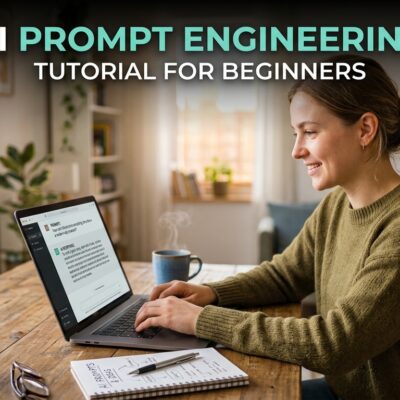
AI Prompt Engineering Tutorial for Beginners
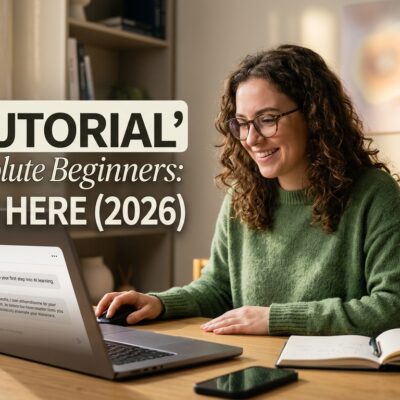
AI Tutorial for Absolute Beginners: Start Here (2026)